
MicroStation, a product of Bentley Systems, supports engineers in creating 2D drawings and 3D modeling for engineering projects. Organizations use the software for parametric modeling, BIM workflows, infrastructure design, and more.
Various industries, including civil engineering, architecture, planning, energy, and transportation, use MicroStation as their engineering design solution. According to Landbase, more than 3,000 companies use MicroStation worldwide.
In this article, we will explore MicroStation’s key features, capabilities, and applications in detail.
Microstation Tutorial - Table of Contents
- MicroStation – An Overview
- MicroStation – User Interface Components
- MicroStation Key Features
- MicroStation 2026 - New Enhancements
- MicroStation Applications
- Frequently Asked Questions
MicroStation – An Overview
You can effectively create geospatial-enabled 2D and 3D drawings for infrastructure projects using Bentley MicroStation. No matter how complex or large the project, you can create accurate designs using the platform. It helps organizations deliver projects on time and on budget.
Let’s learn the core concepts of MicroStation.
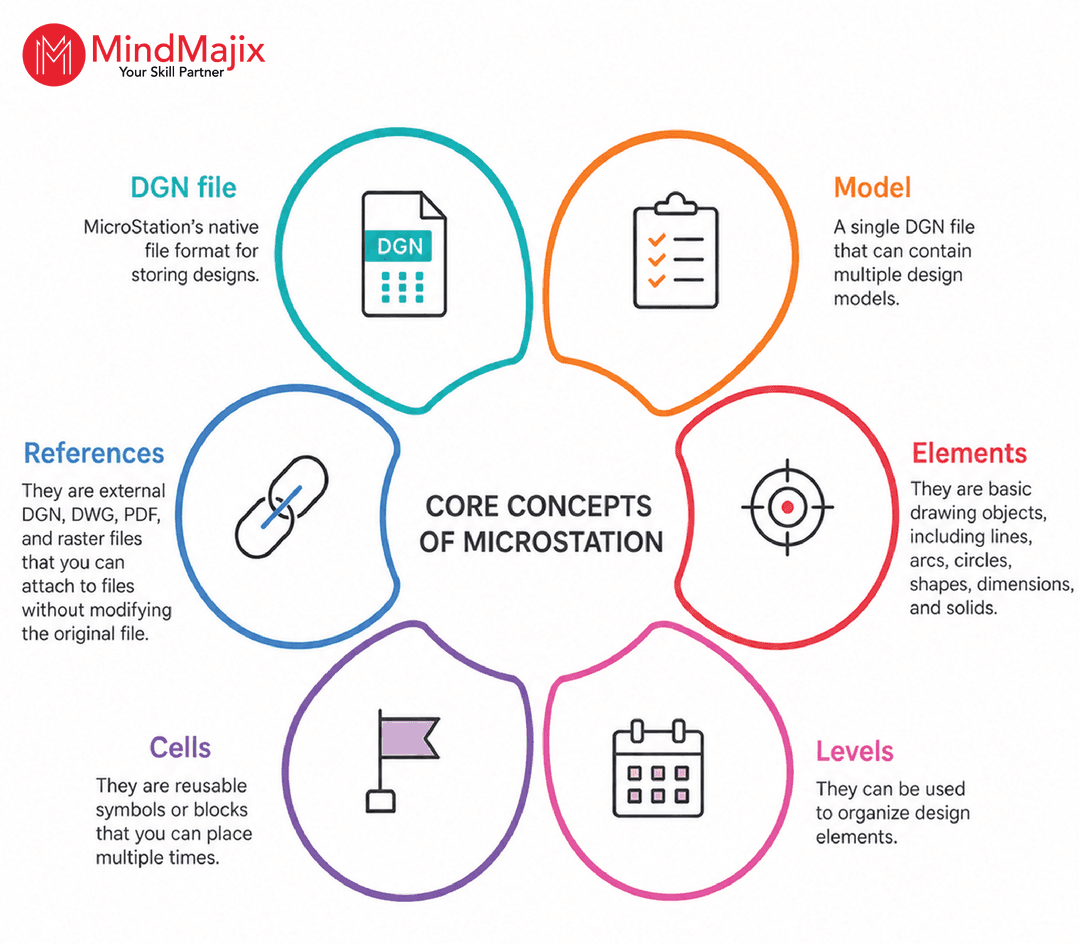
- DGN file – MicroStation’s native file format for storing designs.
- Model – A single DGN file that can contain multiple design models.
- Elements – They are basic drawing objects, including lines, arcs, circles, shapes, dimensions, and solids.
- Levels – They can be used to organize design elements.
- References – They are external DGN, DWG, PDF, and raster files that you can attach to files without modifying the original file.
- Cells – They are reusable symbols or blocks that you can place multiple times.
MicroStation – User Interface Components
We’ll take a look at MicroStation user interface components here.
Workspace:
A Workspace is a collection of standards, cell libraries, line styles, seed files, worksets, and more. It helps organizations maintain consistent CAD standards across multiple departments. Besides, it helps reduce configuration errors and improve collaboration across teams.
| If you want to enrich your career and become a professional in MicroStation, then visit Mindmajix - a global online training platform: "MicroStation Certification" This course will help you to achieve excellence in this domain. |
WorkSet:
A Workset represents a single project that contains project-specific files, settings, and configurations. For example, a workset can include project DGN files, reference files, sheet models, design models, and project standards.
Ribbons and Tabs:
These graphical tools are organized into tabs and displayed in the ribbon interface that you can toggle on or off.
File, View, Home, Analyze, Annotate, Attach, Utilities, Curves, Constraints, Content, Drawing Aids, Collaborate, and Help are some of the tabs available in the menu.
Ribbon-based groups of tools are located under each of these tabs. For instance, the Placement, Primary, Attributes, Selection, Modify, Manipulate, and Groups ribbon groups are available on the Home tab.
For instance, the Manipulate ribbon group has capabilities such as Copy, Rotate, Move, and more.
Windows:
MicroStation’s user interface has a customizable quick-access toolbar with features such as Save, Undo, Redo, Save View Settings, and more. A workflow menu and a search bar are also included.
You can select from a range of workflows, such as Learning Connect, Task Navigation, and Drawing, using the workflow menu.
The workspace known as the View window is located under the tab section. The drawing title appears in the View window along with icons along the top border.
Panels:
Depending on your settings, several panels are displayed in a separate window that can be dragged to the right or left of the work area. Mainly, you can hide panels. When you select a specific element in a drawing, the Properties panel in this window displays its properties.
To name a few, you can customize it to include additional panels such as View Attributes, Explorer, and Change View Display Style.
Toolbars:
On the bottom portion of MicroStation, there is a status bar and an additional toolbar. The toolbar consists of several sections that vary depending on the chosen display mode.
Moreover, some components, such as the display mode selector, remain unchanged. You can alter the display mode using the selector. Additionally, the status bar displays the active function along with instructions for the next action. The display mode settings can also be controlled from this bar.

Themes
You can select between a light-themed interface and a dark-themed interface in MicroStation.
Pop-up Menu:
The pop-up menu appears in MicroStation when you press the Spacebar. The menu is divided into three rows. If you click the icons in the first and third rows, a new dialog box opens where you can choose additional tools.
Further, tools such as Element Selection, Move, Copy, and others are located in the second row.
Drawing Tools:
The Placement ribbon group on the Home tab contains many drawing tools. Note that MicroStation uses the term ‘Place’ instead of ‘Draw.’
To draw a line, you need to use the Place Line function. Place SmartLine, Arc, Circle, Block, and Ellipse are some of the drawing tools.
Each tool has its own Tool Settings window, which you can use to adjust settings based on what you are creating. For instance, you can change the outline, fill type, fill color, and drawing technique.
Customization:
In MicroStation, you can adjust several settings. Choose Preferences by clicking File → Settings. This will cause a pop-up window to appear, where you can make the necessary adjustments.
Units:
Default units can be set and preserved in Design File Settings if you or your organization routinely use that unit for all your designs.
Moreover, you can select either the master unit or the subunit. For example, you can use feet as the master unit and inches as the subunit in measurement systems.
Hope that you got familiar with the MicroStation components. It’s time to explore the MicroStation features now.
| Also Read "MicroStation Interview Questions" |
MicroStation Key Features
In this section, we’ll examine the MicroStation features, from iTwin synchronization to interoperability.
Let’s check out.
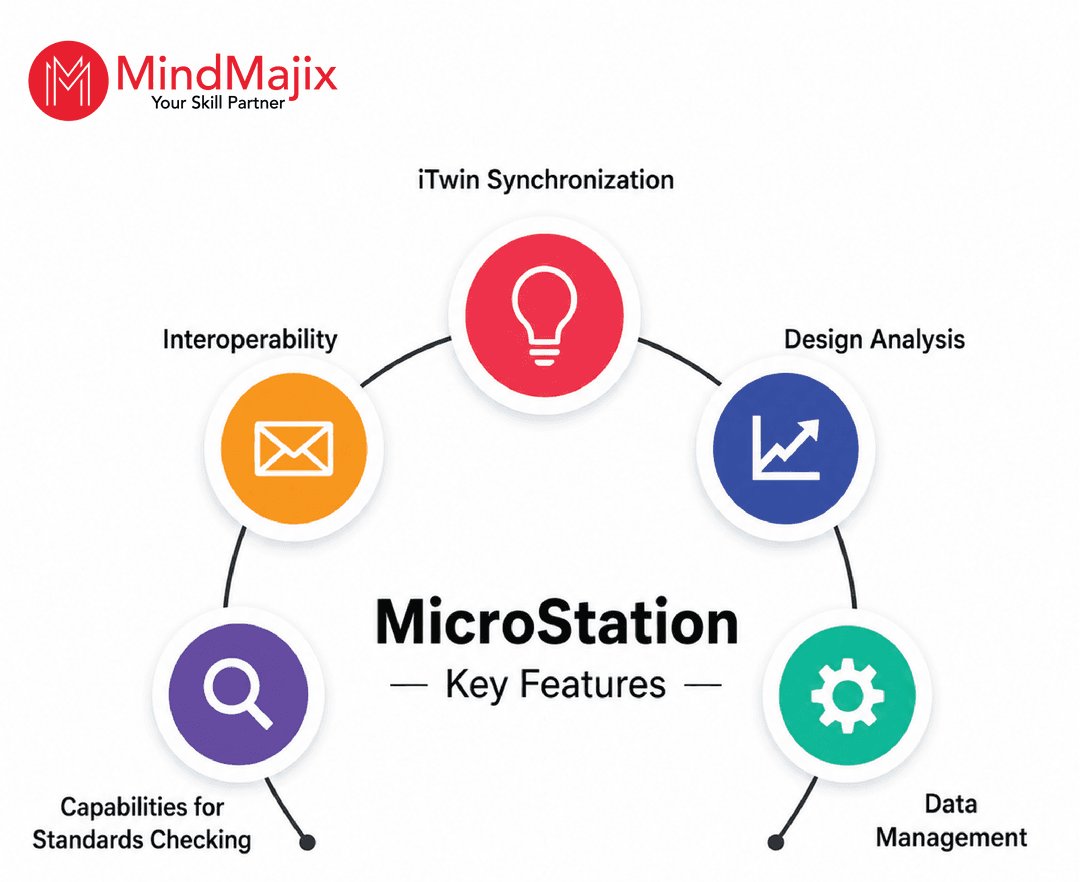
- iTwin Synchronization:
iTwin is Bentley’s digital twin platform that organizations use to create and maintain a digital representation of physical infrastructure assets. It uses the engineering models, real-time data, IoT sensor information, and project data to create the visualization.
The iTwin, powered by ML and AI, helps create immersive visualizations. Its cloud infrastructure allows you to access the graphical data anytime, anywhere.
You can integrate iTwin with MicroStation to create visuals, perform analytics, and enable collaboration. This combination enables real-time asset monitoring and reduces design and construction errors.
- Design Analysis
MicroStation enables accurate design analysis and visualization.
For example, you can use the software to analyze the solar exposure in construction projects. You can instantly assess the effect of shadows created by neighboring structures at any time of day or year.
- Capabilities for Standards Checking:
You can use the Standards-checking tools in MicroStation to run checks as needed. The tools compare the characteristics of a drawing or model with accepted standards. The software can detect irregularities and help correct them effectively.
- Data Management:
MicroStation can effectively manage small- and large-scale datasets associated with infrastructure projects. It can produce effective 3D models and 2D drawings regardless of the volume of survey data. You can import, process, and plot data using the platform.
It enables you to use photorealistic models created from common images and other visual content in your design. You can precisely describe the context of your projects while effectively communicating the design objective.
It supports multiple display modes, such as smooth, translucent, monochrome, and illustrative. For example, by switching to translucent mode, you can see subsurface objects such as canals, pipelines, and ducts that are normally obscured in other display modes.
- Interoperability
Microstation supports the following file types:
-
- Autodesk's .dwg
- SketchUp's .skp
- Industrial Foundation Classes (IFC) Format
- Raster Formats
- OpenNURBS.3dm
Additionally, Bentley Systems has a direct license from Autodesk for the authentic DWG libraries. As a result, MicroStation users can open and create DWG files.
The software's interoperability allows you to import designs stored in various file formats without losing crucial BIM and geographical data or accurate geometrical features. As a result, MicroStation encourages the lossless exchange of design data and information.
Additionally, Bentley Systems has a direct license from Autodesk for the authentic DWG libraries. As a result, MicroStation users can open and create DWG files.
The software's interoperability allows you to import designs in various file formats without losing crucial BIM and geographic data or accurate geometric features. As a result, MicroStation encourages the lossless exchange of design data and information.
MicroStation 2026 – New Enhancements
Let’s start with the AI features of MicroStation 2026.
- Bentley Copilot (Technology Preview):
Bentley Copilot is an AI-powered learning assistant that helps MicroStation engineers automate repetitive tasks, find information, and interact with models using natural language.
Below are the key features of Bentley Copilot.

- Python Assistant (Technology Preview):
This is yet another AI scripting assistant that you can leverage to create, modify, and reuse Python scripts using natural language.
-
- The assistant helps automate repetitive CAD tasks, including batch file updates, level management, cell placement, and report generation.
- You can share scripts across teams to standardize workflows and reduce manual tasks.
- Prompt-Based Automation:
MicroStation allows you to automate repetitive tasks using plain English. It converts the plain-English instructions into automated workflows. So you can update text annotations, create reports, and manage levels and references on this platform with ease.
- Intelligent Design Automation:
You can automate repetitive engineering tasks using MicroStation's AI capabilities. In particular, you can automate the placement of repetitive objects, organize drawing elements, and standardize project files.
Next, we’ll dive into learning the other key features of MicroStation 2026 in detail.
- Geographic Coordinate System (GCS) Dialog
The GCS dialog is the interface you use to assign, modify, and manage coordinate reference systems for design files. It ensures that models are accurately positioned on Earth’s surface. Besides, it enables seamless integration with GIS, survey, and BIM data.
With this dialog, you can assign coordinate systems, search for coordinate systems, manage geodetic datums and coordinate units, and more.
- Search Location Tool:
This tool is a geospatial feature that lets you find a real-world location and zoom to it within your design model. You can use this feature when you work with georeferenced DGN files, GIS data, or infrastructure models.
This tool is highly useful for highway and roadway projects, railway projects, utility network planning, and GIS-integrated engineering projects.
- Component Center 2.0:
Component Center 2.0 is a cloud-based component management system. You can manage and reuse standardized design components from a single environment.
It has a centralized component library where you can store approved design components, including geometry, metadata, and reference files. It allows administrators to create custom catalogs from libraries, enabling designers to use the right components.
- Configuration Wizard:
You can use the configuration wizard to configure workspaces,worksets, and other settings. It simplifies the configuration process and ensures that all users consistently adhere to the project standards.
MicroStation Applications
Organizations use MicroStation to plan, design, draft, model, and document infrastructure projects. Let’s go through some key applications of the software here.
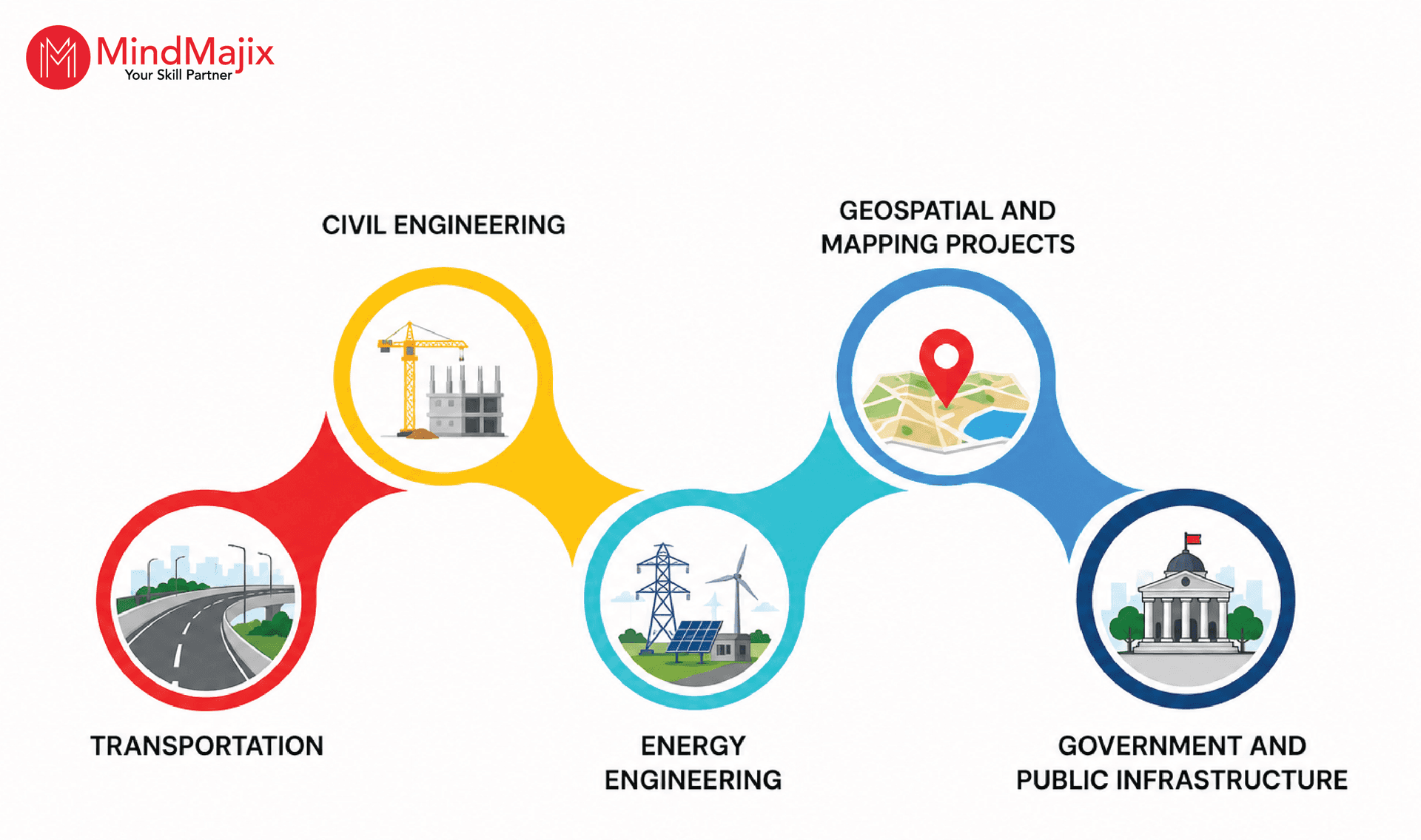
- Transportation – Organizations use MicroStation to design highways and roadways, rail and metro systems, bridges and tunnels, and more.
- Civil Engineering – Organizations use the platform for designing utility corridors, land development, drainage plans, and more.
- Energy Engineering – MicroStation is used to design water distribution networks, gas pipelines, electrical substations, and more.
- Geospatial and Mapping Projects – Organizations leverage the software in GIS-integrated engineering drawings, topographic mapping, and point-cloud-based modeling.
- Government and Public Infrastructure – You can use MicroStation for smart city projects, urban planning, and defense and public works engineering.
Frequently Asked Questions:
1) Is learning MicroStation easy?
Yes, you can learn MicroStation easily. If you are familiar with CAD fundamentals, you will learn the software faster.
2) How long will it take to learn MicroStation?
You can learn MicroStation in 3 – 4 weeks. If you continue working on labs and projects, it will enhance your expertise in the platform.
3) What is the latest version of MicroStation?
MicroStation 2026 is the latest version of MicroStation.
4) Is there a free trial available for MicroStation?
Yes, a free trial version of MicroStation is available. You can use this software to perform hands-on exercises.
5) What are the prerequisites to learn MicroStation?
If you have a basic understanding of CAD concepts and engineering drawings, it will help you learn MicroStation quickly.
Conclusion
MicroStation helps CAD designers develop accurate 2D drawings and 3D models. You can support Building Information Modeling (BIM) and digital engineering workflows across various industries. Its AI tools help automate repetitive tasks and generate Python scripts from natural language, among other things.
If you want to learn more about the software, you can attend MicroStation training in MindMajix. The training will provide you with comprehensive knowledge of the platform and help you gain a competitive advantage in your career.
 On-Job Support Service
Online Work Support for your on-job roles.

Our work-support plans provide precise options as per your project tasks. Whether you are a newbie or an experienced professional seeking assistance in completing project tasks, we are here with the following plans to meet your custom needs:
- Pay Per Hour
- Pay Per Week
- Monthly
| Name | Dates | |
|---|---|---|
| MicroStation Training | Sep 22 to Oct 07 | View Details |
| MicroStation Training | Sep 26 to Oct 11 | View Details |
| MicroStation Training | Sep 29 to Oct 14 | View Details |
| MicroStation Training | Oct 03 to Oct 18 | View Details |

Keerthi Sai is a Senior Writer at Mindmajix with tons of content creation experience in the areas of cloud computing, BI, Perl Scripting. She also creates content on Salesforce, Microstrategy, and Cobit.


